Sessions
How to organise a weekly club night or social session
Keep the same day, time and venue every week, get one clear in or out from each player, and run a waitlist once it is full, where whoever waited longest moves in first. FinalPoint Sessions can repeat for up to 26 dates.
Updated 9 min read
At a glance
- The slot
- Same day, time and venue every week
- Who's coming
- One clear in or out from each player
- Reply deadline
- Often the evening before, with a reminder
- When it's full
- A waitlist, whoever waited longest moves in first
- In FinalPoint
- Sessions, repeating for up to 26 dates
- Afterwards
- Final standings and Player of the Session
What makes a weekly club night work
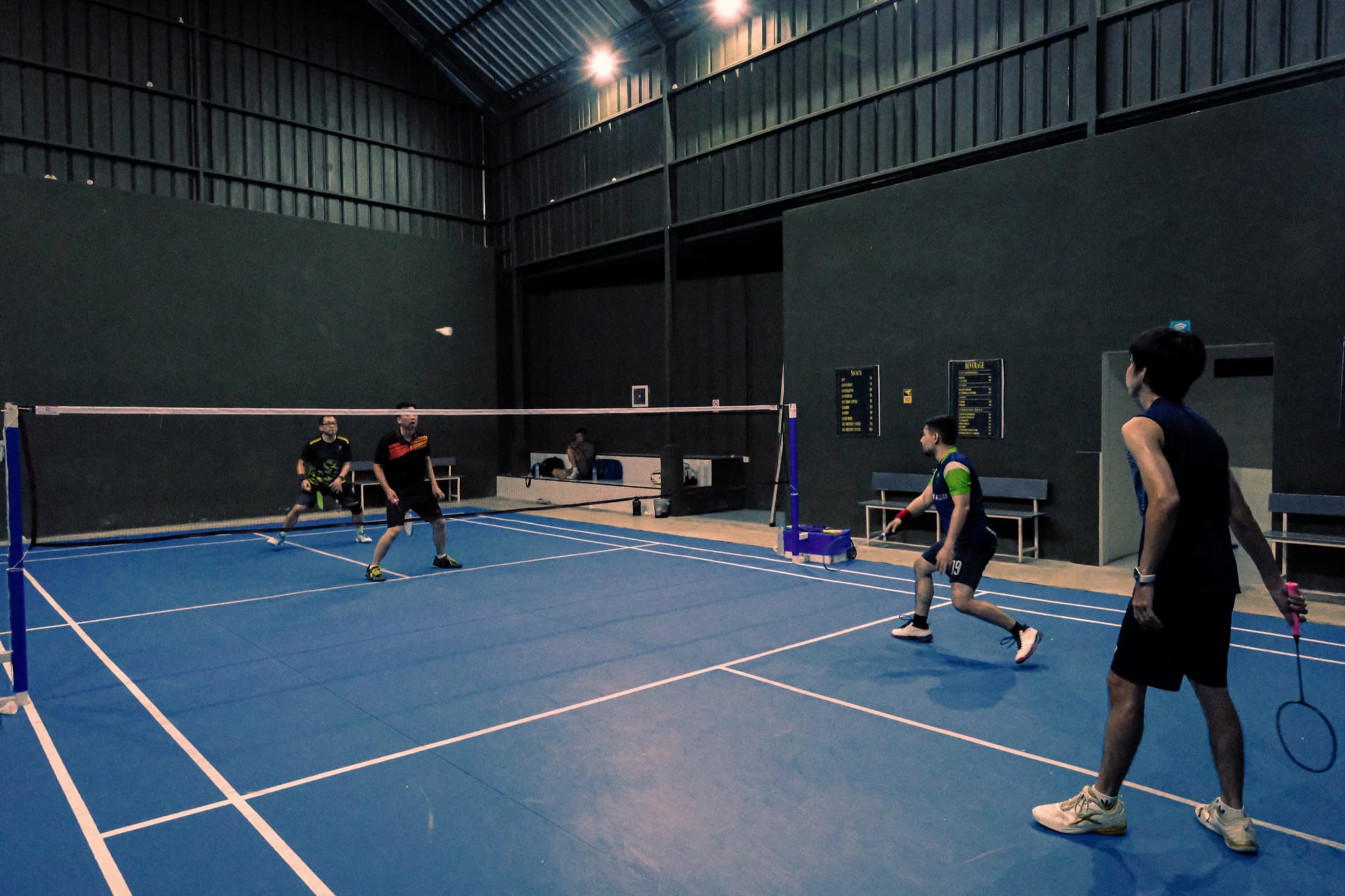
A club night is a regular evening when members turn up and play, often doubles, with whoever is there. At badminton, tennis and table tennis clubs it is usually called a club night or a social. Padel players often say a social or an Americano night, and pickleball players, especially in the US, say open play.
The nights that last keep a fixed slot: the same evening at the same venue every week. Book courts for the numbers you expect. Four players fill a doubles court. Five or six per court keeps the courts busy with short rests in badminton or pickleball. Where a round is a set, as in tennis and padel, keep it nearer four or five.
How to see who's coming and keep the night full
A thread of replies in a group chat is easy to start and hard to count. Ask each player for one clear answer, in or out, by a set time such as the evening before. Then you know how many courts you need before you pay for them.
Set a player limit from the courts you have booked. Once it is full, keep a waitlist in the order people asked, and give any place that opens to whoever has waited longest. Players who know someone is waiting have a reason to drop out early instead of not turning up.
Send a reminder a little before the deadline, not on the day. A place freed an hour before play is usually too late for the next person waiting to use. If too few players are in by the deadline, cancel then, and check whether your venue charges for a late cancellation.
Money: court hire, shuttles or balls, and a fee per player
Most club nights charge each player the same fee. Add the court hire and the shuttles or balls for the night, then divide by the players you expect. Round up a little so one dropout doesn't leave you short. Collect before the night or when people arrive, so nobody has to ask for money afterwards.
In FinalPoint the fee shows on the session. If the chief admin has saved a payment link in the group's settings, players who are going get a Pay button. It shows from before the session until a week after it.
Mixing levels and welcoming newcomers
Most club nights mix abilities, and that works as long as matches stay close. Some clubs split the courts by level for part of the night, with a stronger court and a social court, then mix everyone for the last hour.
Pair a newcomer with a regular for their first few matches, and explain how the night runs before their first match. People who enjoy their first evening tend to come back the next week.
Running the night and keeping the results
On the night, the job is to keep courts full and matches close. The simple fair rule is that whoever has played the fewest matches plays next. Our guide to running a doubles rotation, listed under Keep reading at the end of this page, covers peg boards, paddle racks and padel formats such as Americano.
Whatever system you use, save the scores as you play, so the night ends with a clear winner instead of an argument.
In FinalPoint
How to schedule a club night in FinalPoint
In FinalPoint a club night is a session: a scheduled meet-up for one group, with everyone's matches recorded together. Only the group's chief admin or an admin can schedule one. Players join the group first, with its invite link, short code or QR code.
In the app · 7 steps
- Step 1
Open the Sessions tab and tap +, or tap New session in the Sessions section of the group page.
- Step 2
Under Session details, set the Start date, Start time and End time. The Name is optional.
- Step 3
Under Repeat, choose Once, Weekly, 2 wks (every two weeks) or Monthly, and set the Number of sessions, up to 26. All the dates are created together, at the same local time even when the clocks change.
- Step 4
Under EVO, choose Rated or Not rated. Rated, the default, means the night's matches move each player's EVO, FinalPoint's 0 to 100 skill rating for each sport. Not rated keeps the results but leaves EVO as it is. You can't change this once a match is recorded.
- Step 5
Under Location & options, set the Location, Max players and the Session fee (what each player pays). An empty Max players means no limit. After the first session, the form fills these in from the group's last one.
- Step 6
A chief admin can tap Continue and tick players to sign them up for the first date.
- Step 7
Tap Create session. The rest of the group gets one notification, even for a series.
Good to know
Note: Whoever schedules a series is signed up as going for every date, and so is an admin who schedules a single session. That uses one of the Max players places, so tap I'm out on any date you won't play.
In FinalPoint
How players reply, and what happens when it's full
In the app, members tap I'm in or I'm out, on the session or straight from the Sessions tab. On the website, and on the group page in the app, the same choice reads Going or Not going. There is no maybe. The session shows how many are going against the limit, the waitlist and how many have not replied.
Add to calendar opens your phone's calendar with the session filled in, ready to save.
When the session is full, I'm in becomes Join the waitlist. If someone drops out or the limit goes up, whoever has waited longest moves in and gets a notification saying they're in. The limit applies to admins too.
The host is the admin who scheduled the session. The host or the chief admin can open Manage players to add or remove people. Remind all, on the same page, nudges everyone who hasn't answered.
Players answer each date of a series on its own, so tap Remind all early in the week, before your reply deadline. Players who are going also get an automatic reminder about an hour before the start.
In FinalPoint
On the night: the live session
There is no start button. At the start time the session turns Live Now on its own. Players tap Record match after each match, choosing from the players who are going. Any member can record a match they played in, and an admin can record one for others.
Live standings update as each match is recorded, ranked like a league table: most wins, then most session points, which count fewer losses and a clearer margin. Margin is points won minus points lost, or games in tennis and padel. The host or any admin can start Match Up from the same page, and the app builds each round.
In FinalPoint
After the session: final standings and Player of the Session
When play finishes, the host or the chief admin taps End session. That sends each player a notification with their own result, and the winner one for Player of the Session. A session nobody ends still closes 24 hours after the start, but without those notifications.
Either way it becomes a Session Review, with the Final standings, a podium for the top three, highlights such as the closest match, and every match played.
Player of the Session goes to the highest-placed player in the Final standings who has played enough matches: three in badminton, table tennis and pickleball, two in padel and tennis. The Final standings page has a share icon at the top, so you can post the result in the group chat.
Questions
Is there an app to track RSVPs for a weekly session?
Yes. In FinalPoint a group admin schedules the session and each member replies I'm in or I'm out (Going or Not going on the website). The session shows who is going, who isn't and who hasn't replied.
How do I set up a session that repeats every week?
Choose Weekly under Repeat when you create the session, and set the Number of sessions, up to 26. All the dates are created together, and the group gets one notification for the whole series. Players then reply to each date on its own.
How do I stop no-shows and late dropouts?
Set a player limit so there is a waitlist, and a reply deadline such as the evening before. Ask players to tap I'm out as soon as they know, so their place goes to the next person waiting while there is still time to use it. FinalPoint also reminds players who are going about an hour before the start.
How many courts do I need?
Divide the players you expect by the number per court that suits your sport. For 14 badminton players, three courts keep 12 on court and two resting each round. For 10 padel players, two courts keep 8 playing.
Can guests who aren't in the group sign up?
Many clubs charge guests a small fee and allow a few visits before asking them to join. In FinalPoint only current members of the group can reply to its sessions, so send a guest the group's invite link first. On the Free plan a player can be in three groups in total, and needs the group's sport among their two sports to be in a recorded match.
Do club night matches count towards a rating?
In FinalPoint they move EVO when the session is Rated, which is the default. Choose Not rated when you schedule it and the results still count for the session and the group's rankings, but EVO stays as it is. You can't change the setting once a match is recorded.
How do I change or cancel a session?
The host or the chief admin opens Settings on the session to make changes, and can turn on Notify the group. To cancel, tap Delete session. If it hasn't started, everyone going or on the waitlist is told it was cancelled, and recorded matches stay. On a series, Cancel the rest removes every date still to come.
Updated
Back to topKeep reading
More on running your group.
- Groups · 11 min readHow to start a racket-sport league or ladder with friendsChoosing a format and keeping a friendly league fair, and how a FinalPoint group runs one.
- Match Up · 10 min readHow to run a doubles rotation at a club nightNew partners each round and fair sit-outs, by hand or with FinalPoint Match Up.
- EVO · 5 min readWhat is an EVO rating?The 0 to 100 skill rating: what moves it, and what the ring beside it means.